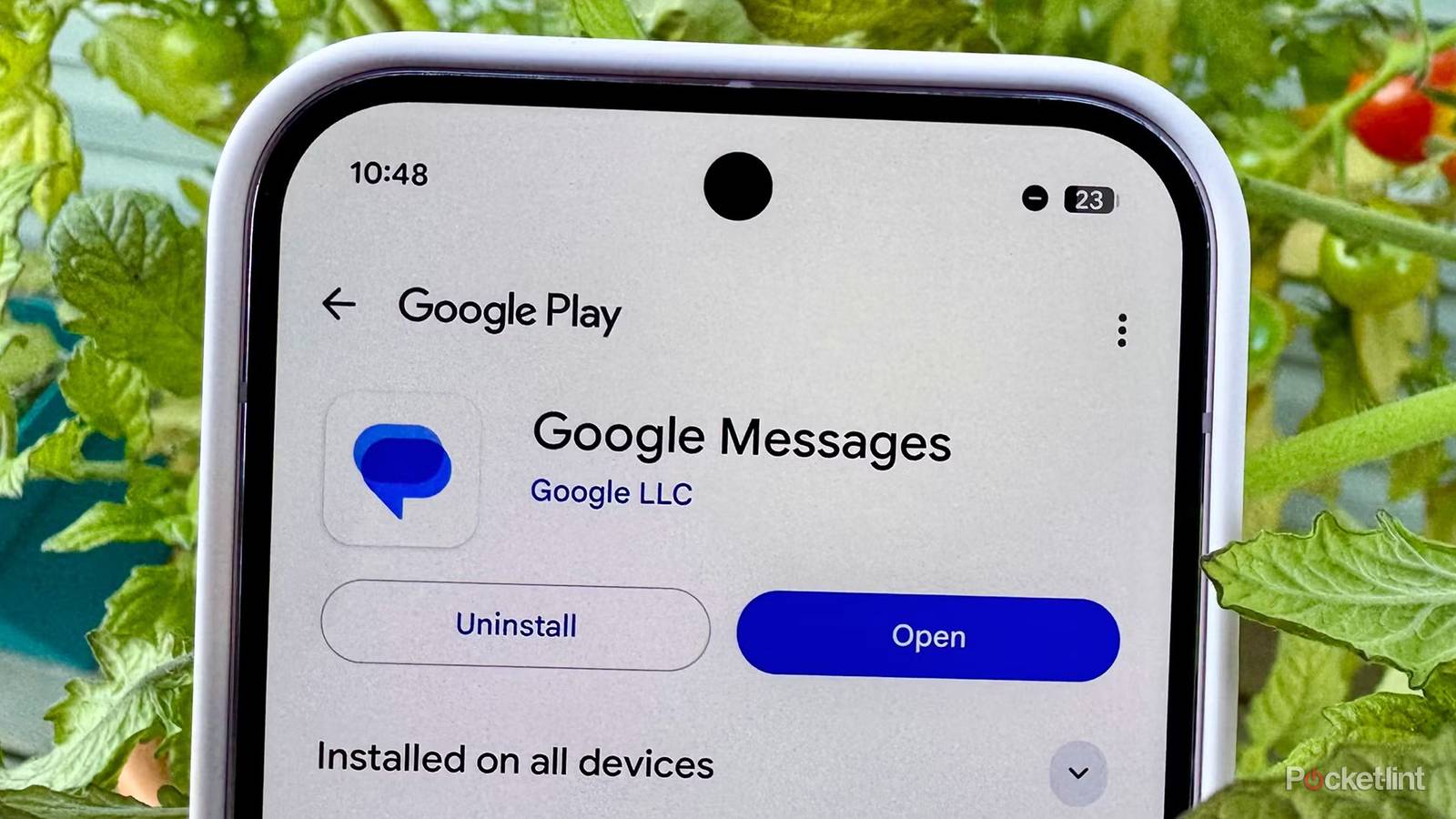
Over the years, Google has consistently improved Google Messages, including updates to group chats, spam protection, and other RCS features, making it more competitive with popular messaging apps like WhatsApp and iMessage. However, its latest update might raise some eyebrows, especially if you have a Pixel device for work.
In a recent blog post, Google announced that it’s rolling out a new “RCS message archival” capability on company-owned Pixel devices for Google Messages, which can track RCS messages that are sent, received, edited, or deleted on a Pixel phone that is “fully managed” by a company (via Android Central).
Essentially, this means someone like your boss or an IT admin could see any messages you send on your company-owned Pixel. So if you weren’t already cautious about every message you send at work, this might make you even more.
Again, it’s worth stressing this is just for company-owned Pixel devices, so if you have a Pixel smartphone that you bought yourself for personal use, which is the vast majority of people, this won’t affect you whatsoever, and nobody will be randomly snooping on your messages.
If you’re wondering why Google is taking this step, it’s not about helping employers spy on employees — it’s about helping companies comply with government regulations. These rules require some companies to archive business messages for potential future needs, such as lawsuits.
Google Messages uses RCS (Rich Communication Services), an end-to-end encrypted messaging protocol, which makes it difficult for businesses to meet these compliance requirements. Previously, companies relied on carrier-level logging for archiving SMS messages, but with RCS now standard, encryption prevents carrier logs from capturing the necessary information. To address this, Google has introduced RCS message archiving, allowing businesses to preserve the messaging records they need.
“When configured by your IT organization on a fully managed device, the archival application is notified upon the receipt of each RCS message, not only when a message is sent or received, but also if a message is edited or deleted too,” Google explained in a blog post. “The archival app then reads the message data and makes it available to your IT organization.”
Google stresses that the entire message archival process happens on the “device itself” and that it’s not shared with Google or stored anywhere on the internet. This means that the messages can remain end-to-end encrypted, while still “meeting stringent regulatory requirements.”
Let’s be real: if you want to roast your boss or your work, it’s always better to do it on your personal phone anyway, not a work device, regardless of this being added.
For employees who use a company-owned Pixel device for work, RCS message archival isn’t enabled by default; it must be manually enabled by an IT administrator. If it does get turned on, you’ll see a notification when you open Google Messages that message archival is running.
Overall, if you only have a personal Pixel device, there’s nothing to worry about here. However, if it’s a work device, you should be careful with every message you send — though you’re probably already doing that. Let’s be real: if you want to roast your boss or your work, it’s always better to do it on your personal phone anyway, not a work device, regardless of this being added.
We want to hear from you! Share your opinions in the thread below and remember to keep it respectful.
Your comment has not been saved
This thread is open for discussion.
Be the first to post your thoughts.

Google Messages just got a feature your boss will love (and you won't) – Pocket-lint