

Online Tech Tips is reader-supported. We may earn a commission when you buy through links on our site. Learn more.
Your family group chat has three iPhones, two Androids, and one uncle who still sends blurry photos. Somebody always asks, “Can we just move this to WhatsApp?” Now that encrypted RCS chats between Google Messages and iPhones are rolling out in beta, that question is harder to answer. In the WhatsApp vs Google Messages debate, the right pick depends on who you text, where they live, and how much you care about privacy.
This guide gives you a plain-English verdict for each situation. It also covers the catches other comparisons skip, like carrier support, iPhone software requirements, and what happens when RCS quietly drops back to plain SMS. We’ll also show where iMessage, Signal, and Telegram fit in.
Quick verdict: Use WhatsApp if you text people abroad, run mixed iPhone/Android group chats, or want encryption that’s always on with no setup. Use Google Messages if you’re on Android, mostly text people in your own country, and want a texting app that just works (with SMS as a safety net). Lots of people end up using both, and that’s perfectly fine.
Both apps are free. The big difference is how they send your messages. WhatsApp always uses the internet (Wi-Fi or mobile data). Google Messages uses RCS over data when it can. When it can’t, it can resend messages as regular SMS/MMS through your carrier, depending on your settings, signal and plan (more on that below).
Think of WhatsApp as a private club that everyone has to join. Google Messages is more like the regular mail service. It reaches anyone with a phone number, but the “premium delivery” (RCS) only kicks in when both sides support it.
This is where a lot of folks make up their minds, so it’s worth getting right.
WhatsApp: Personal messages, photos, and calls are end-to-end encrypted automatically. End-to-end encrypted means only you and the person you’re chatting with can read the messages (not WhatsApp, not your carrier). You don’t have to turn anything on. That protection also extends to linked devices like your laptop. One caveat: WhatsApp is owned by Meta. End-to-end encryption protects what you say, but WhatsApp can still collect other information described in its privacy policy, such as account, device and usage data, even though it can’t read your chats.
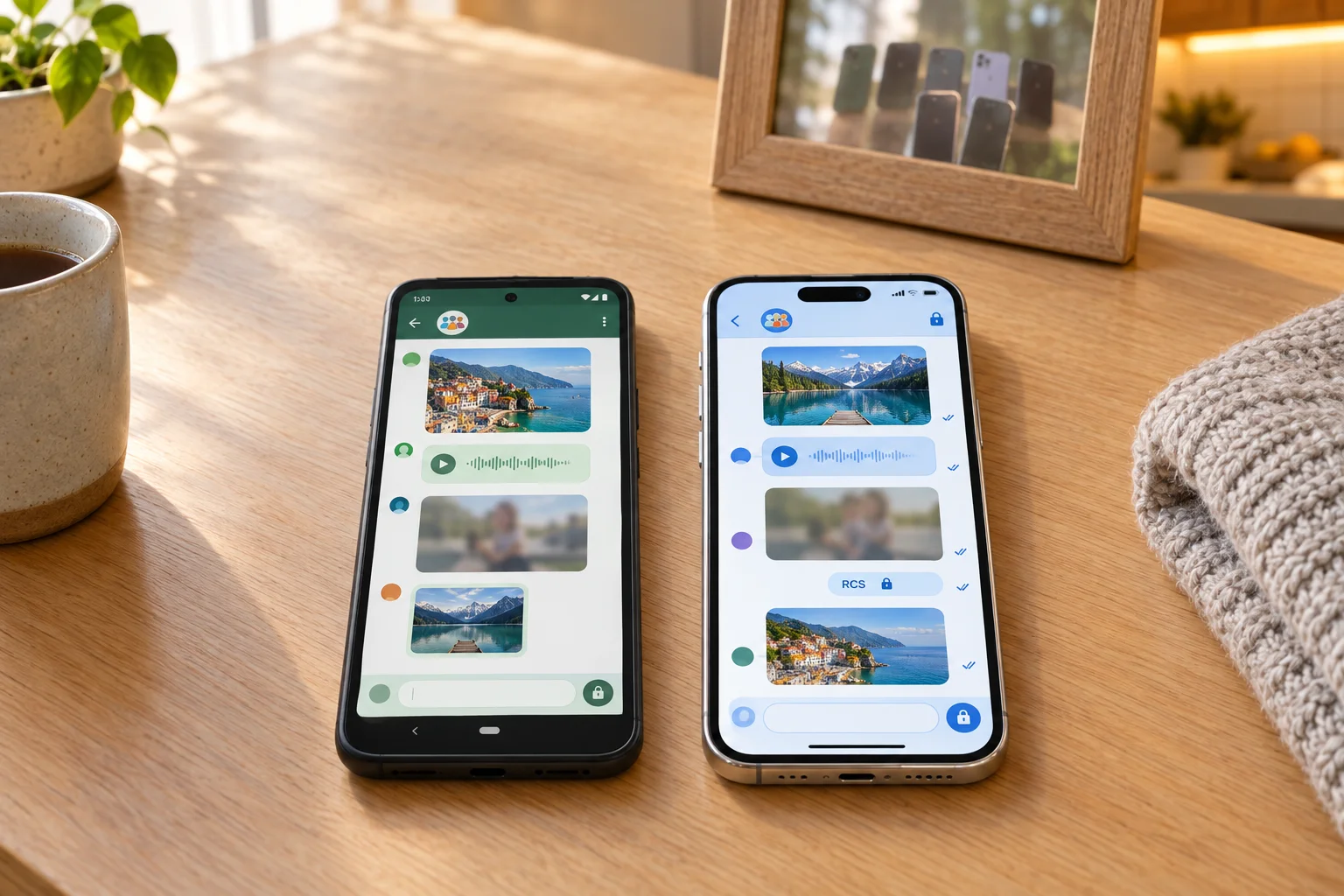
Google Messages: RCS chats between Google Messages users are end-to-end encrypted, and you’ll see a lock icon in encrypted conversations. But there’s a catch: any message that falls back to SMS/MMS is not encrypted. Plain texts travel through your carrier like a postcard. If not everyone in a group has RCS, you may still be able to create it as an SMS/MMS group instead, and those group messages aren’t end-to-end encrypted (Google’s RCS help).
What about encrypted RCS with iPhones? On May 11, 2026, Apple announced that end-to-end encrypted RCS messaging began rolling out in beta for iPhone users running iOS 26.5 with supported carriers and Android users on the latest version of Google Messages. Encryption is on by default, but Apple says it will be enabled over time for new and existing RCS conversations, so not every Android-to-iPhone chat is encrypted yet. Having a newer iPhone alone won’t do it: the iOS version and carrier support both matter. The simple rule: if you don’t see the lock icon in the chat, assume it isn’t encrypted. Because the rollout is gradual and depends on the iOS version, the Google Messages version and carrier support on both ends, the lock icon in a specific chat is the only reliable sign that it’s encrypted, not the phone model or a general help article.
Winner: WhatsApp. Every chat is encrypted with zero setup. Google Messages can match it, but only when everything lines up.
This is the big question for mixed families.
Google Messages with RCS: Say the iPhone user has RCS turned on and their carrier supports it. You get typing indicators, read receipts, and full-quality photos instead of crunchy MMS pictures. Encryption with iPhones is newer, still in beta, and depends on iOS version and carrier support (see above). If anything in that chain breaks, your message can drop to SMS and still go through over your carrier. That safety net is genuinely handy.
WhatsApp: Everyone in the group uses the same app, so the core experience is consistent across Android and iPhone: the same encryption, the same group chat, and largely the same features (a few can roll out at different times or vary by platform). The only catch is that everyone has to install it (and you know there’s always one holdout).
Winner: WhatsApp for groups, Google Messages for one-on-one. For a quick text to an iPhone friend, Google Messages is easier. For a family group chat with mixed phones, WhatsApp is far more predictable.
WhatsApp: Groups can hold large families, teams, and communities, and you can share documents, photos, and videos, plus use reactions, replies, and polls. Because everyone is in the same app, those features work the same way whether a member is on Android or iPhone.
Google Messages: When every member has RCS working, groups can get higher-quality photos, reactions, and replies, though support still depends on each person’s phone, carrier and app version. But if not every member has RCS enabled, group messages can be sent as MMS instead. That can mean squashed photos and video, and maybe carrier charges for picture messages. Exact RCS file-size limits can vary by carrier.
Winner: WhatsApp. Big groups, big files, and no surprises.
WhatsApp: Voice and video calls, including group calls, run over Wi-Fi or mobile data inside the app instead of through your carrier’s phone network.
Google Messages: It doesn’t have its own voice-calling service. Voice calls go through your phone’s regular calling, and Google documents starting video calls from Messages through Google Meet.
Winner: WhatsApp. It’s a full calling app. Google Messages just hands you off to other apps.
Want to text from your computer while you work? Both apps can do that, in different ways. WhatsApp has real desktop apps and lets you link several devices to one account. Google Messages on a computer is built around Google Messages for web, which you open in a browser and pair with your Android phone. Your messages still go through that phone, so it needs to stay on and connected.
Both apps offer a browser version. WhatsApp Web lives at web.whatsapp.com, and Google Messages for web lives at messages.google.com/web. Each one shows a QR code that you scan with your phone.
Heads up: Some linked devices also may not show older chat history. If a conversation looks incomplete, check your phone.
Winner: WhatsApp. It has native apps, works with iPhones, and linked devices can keep working even when your phone is offline for a while.
WhatsApp: Chat backup isn’t something to assume is on. Once you set it up, chats back up to your Google account (Google Drive) on Android or iCloud on iPhone. You can turn this on under Settings > Chats > Chat backup. WhatsApp also has a built-in chat transfer for moving to a new phone. Run a fresh backup before you switch.
Google Messages: If Android backup is turned on, your SMS and MMS messages, plus RCS messages when you use Google Messages, are included in your Google Account backup. You can restore them while setting up a new Android phone, but Google notes that restoring varies by phone and Android version, can take up to 24 hours, and needs the new phone on the same or a later Android version. Make sure a recent backup exists before you switch. Switching from iPhone? Turn off iMessage before you move your SIM, or your texts can vanish into the iMessage void (Google’s switching guide).
Winner: Tie. Both work well on their own platform. WhatsApp is better if you hop between Android and iPhone.
WhatsApp: Messages and calls use data rather than per-text charges, so there’s no international texting fee. Over Wi-Fi you typically pay nothing extra (unless the Wi-Fi itself is paid or metered), and on mobile data, calls and media count against your plan. If you travel, a local eSIM or travel SIM can be a cheaper way to get data than roaming, depending on your carrier and destination.
Google Messages: RCS uses Wi-Fi or mobile data too, so it doesn’t add a per-message charge, though mobile data counts against your plan. But if a message falls back to SMS, it’s billed under your carrier plan, and international or roaming texts may cost extra depending on your carrier, destination and plan. That’s how surprise bills happen. If you’re overseas, check your carrier’s roaming plan first.
Winner: WhatsApp. It’s the default messaging app in much of the world for a reason.
Based on the priorities we weighed here, WhatsApp wins overall for most people, though your own needs may tip it the other way. It’s more private by default, more predictable in mixed groups, and much cheaper if you have friends or family abroad. Google Messages now end-to-end encrypts RCS chats between Android users, and Apple’s beta is extending that to iPhones on iOS 26.5 with supported carriers. Still, “encrypted once the beta reaches your chat and both carriers and the iPhone’s iOS version cooperate” is a lot shakier than “always encrypted.” On Android, the smartest setup is both: Google Messages for everyday texts, and WhatsApp for groups and international chats.
These are editorial ratings based on each app’s documented features, weighted toward the priorities in this article (privacy by default, mixed iPhone/Android groups, and cost abroad). We didn’t run lab tests, and your own priorities may change the order.
Usually, yes. WhatsApp encrypts every chat by default.
Google Messages only encrypts RCS chats that show the lock icon. Plain SMS messages aren’t encrypted.
Yes, in beta. Apple and Google began rolling it out on May 11, 2026, for iPhones running iOS 26.5 with supported carriers and Android phones on the latest Google Messages. It’s enabled gradually, so look for the lock icon in the chat to confirm.
Usually. Google Messages resends it as SMS/MMS if Automatically resend as text (SMS/MMS) is turned on and you have carrier signal and a plan that covers texting. Fallback messages aren’t encrypted, though, and may count against your texting plan.
Someone in the chat doesn’t have RCS working, or your own RCS connection has dropped. Tap your profile picture > Messages settings > RCS chats and check that the status says Connected.
If it doesn’t, tap Retry or verify your number. On iPhones, green bubbles just mean the chat isn’t iMessage, so it could be SMS or RCS.
Not necessarily. If all your contacts use WhatsApp, it can handle everything. If you’re on Android, though, keeping Google Messages for one-time codes and quick texts is the easy choice.
WhatsApp only uses data, so it’s free over Wi-Fi. Google Messages is free over RCS, but SMS fallback can trigger international texting charges from your carrier.
Didn't find your answer? Search our guides.
Choosing between WhatsApp and Google Messages doesn’t have to start a family feud. If your crowd is spread across countries and phone brands, WhatsApp is the easy, encrypted default. If you’re an Android user texting locally, Google Messages with RCS is more than good enough. My take? Keep both, and let your group chat decide which one gets the drama.
This comparison is based on official documentation reviewed on October 10, 2026, with RCS encryption and backup details rechecked on October 20, 2026. Features, encryption rollouts, and carrier support may have changed since publication.
Send it to someone who is stuck on the same thing, or post it.
Founder of Online Tech Tips and managing editor. He began blogging in 2007 and quit his job in 2010 to blog full-time. He has over 15 years of industry experience in IT and holds several technical certifications. Read Aseem’s Full Bio
One email a week. Unsubscribe anytime.
Online Tech Tips is part of the AK Internet Consulting publishing family.
One email a week. Unsubscribe anytime.
Online Tech Tips has published easy-to-follow technology tutorials, honest reviews, and practical how-to guides since 2007 — helping millions of readers solve tech problems and get more from their devices.
Learn More →
Advertise →
© 2007-2026 Online Tech Tips.com, LLC.
All Rights Reserved.
WhatsApp vs Google Messages: Which Is Better for Everyday Texting in 2026?
Send to someone
Post on