
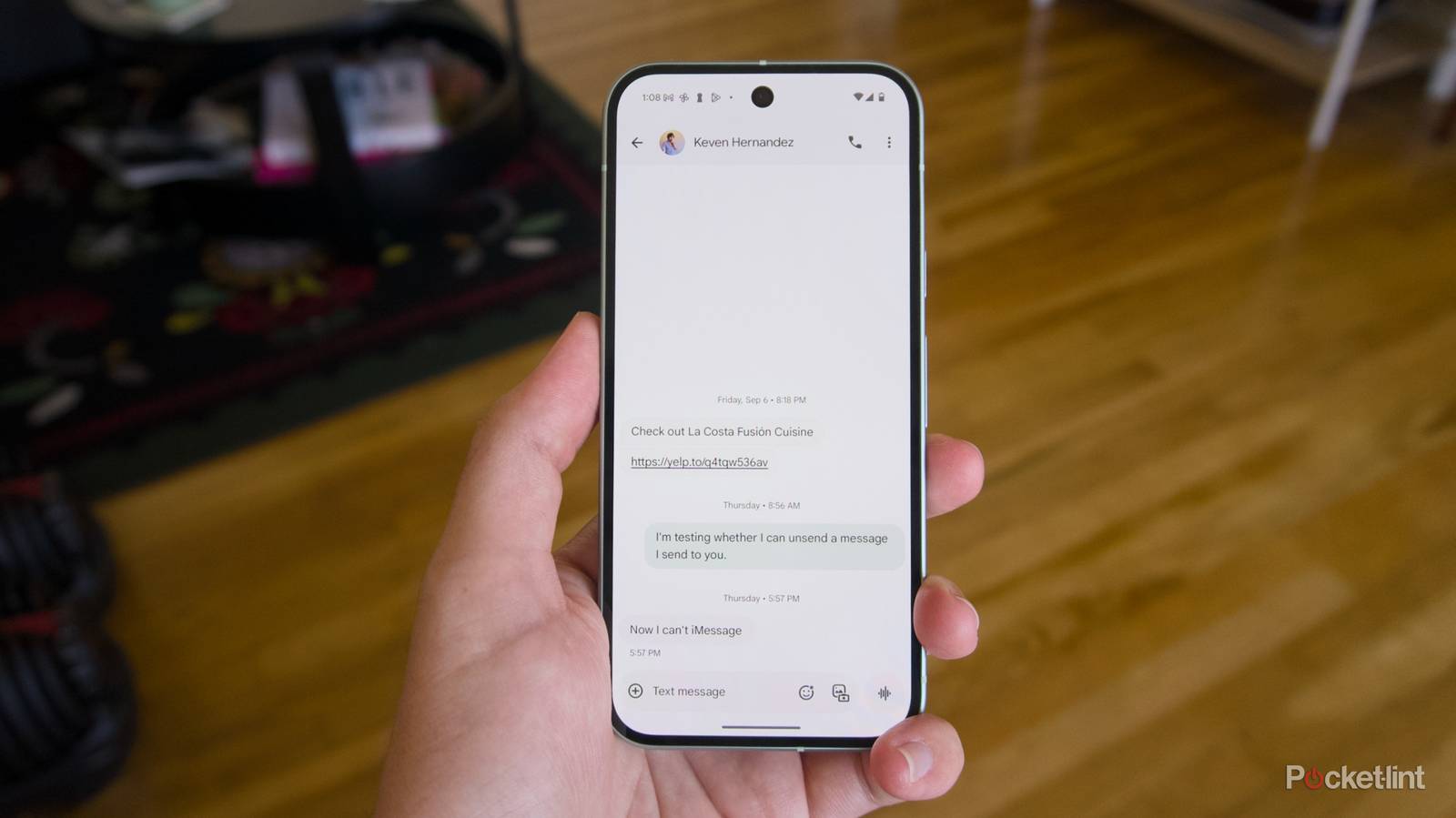

Messaging is one of the big ways the iPhone and Android phones differ. Before the advent of RCS messaging, that was because of the difference between SMS / MMS messaging and Apple’s iMessage. SMS and MMS chats have limites on message length and the file size of just about any file you can send. iMessage, on the other hand, removes those limits (it also notably works over Wi-Fi) and adds in new features, like voice messages, and the ability to edit and unsend just about anything you send within a given time limit. That is, until RCS (Rich Communication Services), a modern replacement for MMS, was introduced.
As Google has pushed for RCS adoption, it’s also worked to add in features to the Google Messages app that bring it closer to what Apple offers to iPhone owners. Some of those features, like read receipts, are built into the standard already. Others, like the ability to set the background for a chat or edit a message, are entirely custom. As part of a recent update, Google finally added the ability to unsend messages so they’re removed from the phones of everyone participating in a chat. Here’s how you can use the feature on your phone, and the limitations you should be aware of.
Unsending messages is a fairly novel concept in the world of smartphone messaging. Apple first added the ability to both edit and unsend messages with iOS 16. Like nearly all the features of Apple’s Messages app, “Undo Send” only works between iOS devices, which means it won’t work in a chat with an Android phone, even if it’s an RCS chat. The same is true of this new unsend feature in Google Messages — it only works between Android phones with RCS-enabled. If you try and unsend an RCS message you’ve sent to an iPhone owner, it will simply remain sent (though you can delete it from your app, if you so choose).
Google’s default messaging app brings RCS support and a host of editing and customization features that bring it in direct competition with iMessage.
With that limitation in mind, here’s how to try the feature for yourself:
The text “Message Deleted” will appear in the chat as evidence that a message was unsent, but unsending something is otherwise as simple as that. Like the ability to edit messages, there’s a relatively small window to unsend things, though. After around 15 minutes, a message can’t be edited or unsent.
Google will likely continue to add to Google Messages over time in the hopes of keeping up with iMessage. As long as the company’s phone-making partners default to using Google Messages — getting Samsung to do this was a big win — doing so should benefit the vast majority of people. Ideally, even these exclusive features will make it into the RCS standard, but for the time being, at least most Android phones in the US will get the updates Google is adding.
There’s still plenty that could be added to Google Messages, but the app does have a great built-in way to avoid spam texts that’s worth checking out. For more tips and tricks, Pocket-lint has an article covering everything you need to know about Google Messages.
We want to hear from you. Share your perspective in the comments below, and please keep the conversation respectful.
Your comment has not been saved
Oops, there seems a disconnect here: “…Apple’s iMessage. SMS and MMS chats have limites on message length and the file size of just about any file you can send. iMessage, on the other hand, removes those limits (