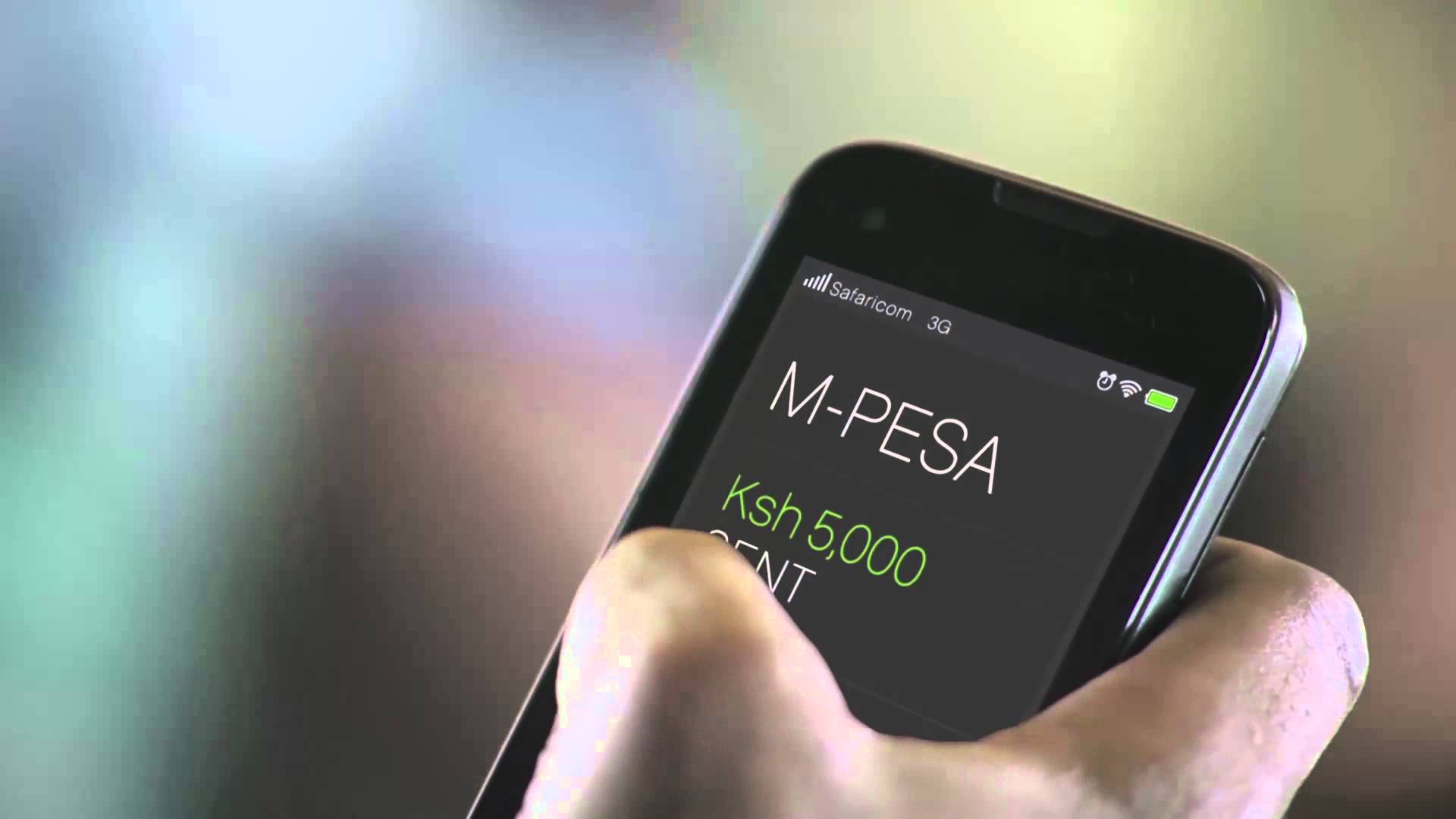
When you pay at a Till, Safaricom sends you an M-PESA confirmation SMS. That message carries your M-PESA balance. So when a cashier, seller or delivery rider asks to see proof that you paid, you hand over your phone and they get to read your balance too.
Jumbe is Safaricom’s fix for this. It is a second SMS, sent at the same moment, that proves the payment without exposing your balance or your personal details.
Jumbe is a messaging service attached to M-PESA. At a business that has turned the feature on, a payment triggers two messages to you:
The official name of the feature is Split Notifications. The Jumbe SMS is the part that customers see.
The Jumbe receipt carries the transaction code, the amount, the business name, the Till number, and the date and time. Safaricom’s sample looks like this:
UFAL477KQJ Confirmed. You sent: Ksh2,000.00. Received by: Petrol Station Till. TILL: 5678900. Your JumbeID: NK_74. Date: 2026-06-10 at 14:56:38.
What it leaves out is your M-PESA balance, your full name and your phone number.
In place of your name and number, the receipt shows a JumbeID. It is made from your first initial, your last initial and the last two digits of your phone number.
Take Safaricom’s example: Nancy Kamau, whose number ends in 74, becomes NK_74.
READ: Safaricom AI Pay Lets M-PESA Users Scan Receipts to Pay Instead of Typing PayBill Numbers
A cashier who sees NK_74 learns much less than one who sees a full name and a full number. It is not anonymous, though. A shop with a handful of regular customers could still work out who NK_74 is.
Two customers can also end up with the same JumbeID, and in that case the transaction code is what tells their payments apart.
Nothing. There is no registration and no opt-in on the customer side. If the business you pay has switched Jumbe on, the receipt arrives automatically after your normal M-PESA SMS.
The business decides, not you. Only the main administrator of a business’s M-PESA account can switch the feature on for a Till. If you pay and no Jumbe SMS shows up, that Till most likely has not enabled it.
Your standard M-PESA SMS, balance and all, is then your only proof of payment. Safaricom has not said whether customers will be able to switch the receipt off.
READ: Safaricom to Hide M-PESA Numbers in SMS from March 24
People forward M-PESA messages all the time: to a seller, a landlord, a colleague, a rider, a WhatsApp group. The standard SMS tells all of them far more than they need, since all they want to know is whether the money arrived. The Jumbe SMS answers that question and stops there.
It is the message to show at a petrol station counter or forward to a seller, while the standard one stays on your phone.
Safaricom built Jumbe mainly with shop staff in mind. The problem it addresses is a familiar one. A cashier cannot see the owner’s M-PESA messages, so confirming a payment means phoning the owner or asking the customer to show their phone.
Owners get interrupted constantly, and customers end up exposing their balance to staff.
READ: M-Pesa Transactions Will Now Hide Customer Numbers by Default
With Split Notifications, an owner can nominate staff to receive a short alert for each payment. The alert shows the amount, the transaction reference and the customer’s JumbeID.
Staff do not see the owner’s balance, history or PIN, and they do not see the customer’s full name or number.
Here are a few details of how it works for the business:
The feature also covers Paybills. Safaricom has only shown what a Till receipt looks like, so it is unclear what a Paybill receipt will look like.
Safaricom published the FAQ and merchant terms on July 6, 2026. Businesses can enable the feature through USSD by dialling *234# or through the M-PESA Business Hub. The M-PESA Business App is expected to support it later.
Techweez is where tomorrow’s tech stories break today, thanks to intelligent analysis, real-world insight, and visionary storytelling. Follow us for exclusive interviews and authoritative stories on world Technology. Talk to us at [email protected]
Techweez is where tomorrow’s tech stories break today, thanks to intelligent analysis, real-world insight, and visionary storytelling.
Follow Us
© 2024 Techweez – Palahala Media Group may earn a commission when you buy through links on our sites.
A Palahala Media Group Brand. All rights reserved. .
Login to your account below
Please enter your username or email address to reset your password.
Hey there! Just a heads-up: we’re big fans of cookies – both the digital and edible kind! 🍪 We use our cookies and some from third parties to ensure your browsing experience on our site is smooth sailing and secure.
But wait, there’s more! We also use cookies to gather stats and insights on how you navigate our site. It’s like getting a behind-the-scenes peek at your digital adventures!
Don’t worry, you’re in control. You can adjust your cookie settings anytime to suit your preferences. Feeling curious? Dive into our Privacy Policy for all the juicy details. Happy browsing! 🚀
© 2024 Techweez – Palahala Media Group may earn a commission when you buy through links on our sites.
A Palahala Media Group Brand. All rights reserved. .

Safaricom Adds Jumbe SMS to Hide Your M-PESA Balance When Paying – Techweez