Open the Google Messages app.
Tap your profile icon in the upper-right corner.
Select Messages settings.
Tap RCS chats.
Turn on RCS chats using the toggle switch.
You may need to verify your phone number. Once verified, your status should read “Connected.”
Open the Messages app.
Tap your profile icon, then Messages settings.
Select RCS chats.
Toggle off RCS chats.
A pop-up will warn you about leaving group chats. Tap Turn off to confirm.
A regular arrow or arrow with a lock: the message is being sent via Wi-Fi or data using RCS.
An arrow with SMS: it’s being sent as a standard text.
An arrow with MMS: it’s being sent as a multimedia message.
Tap your profile icon in Messages.
Go to Messages settings > General > RCS chats.
Connected: You’re ready to use RCS.
Setting up: Your phone number is still being verified.
Disconnected: RCS is not currently available—check your data or Wi-Fi connection.
Send read receipts: You’ll see check marks for sent, delivered, and read messages. This can be turned on or off.
Typing indicators: When someone is typing, you’ll see an indication in real-time.
Resend messages as SMS/MMS: If RCS is unavailable, messages can fall back to traditional formats.
Auto-download media: Files can be set to download automatically over data or Wi-Fi. You can adjust these settings to avoid high data usage or roaming charges.
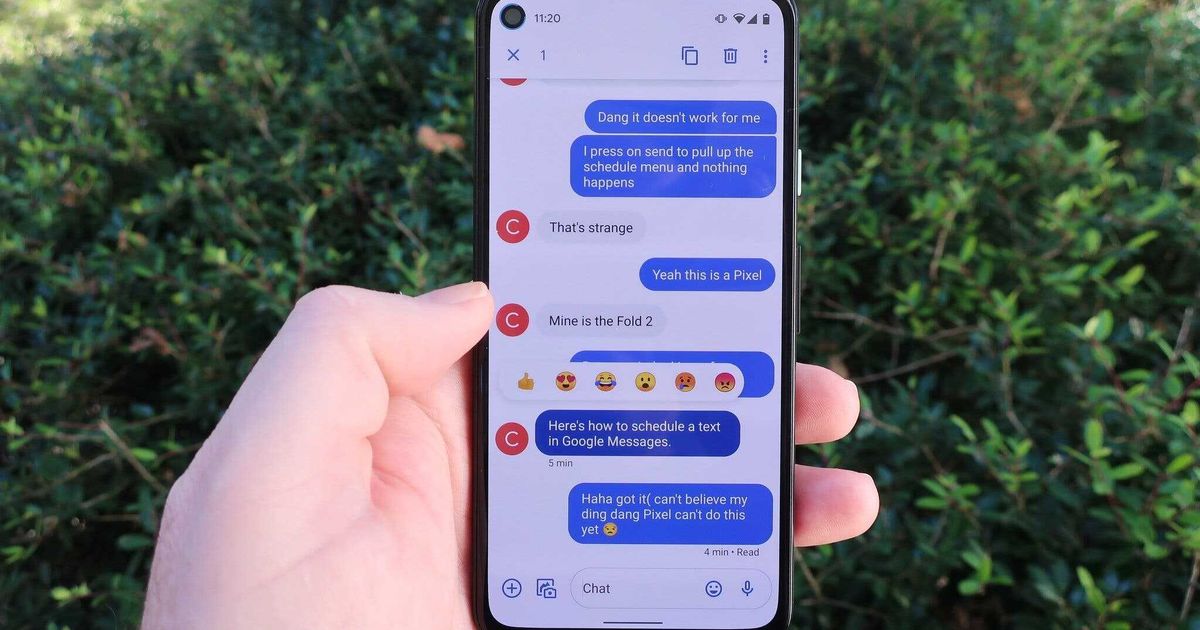
Message reactions: Press and hold a message to react with an emoji. This works whether or not RCS is enabled.
Group messaging: If everyone in a conversation uses RCS, you get enhanced group chat features, including delivery status and typing indicators.
End-to-end encryption: When both parties use RCS, messages are encrypted. A lock icon appears next to the message to confirm this.
Reply to individual messages: You can respond to a specific message by pressing and holding, then tapping the reply arrow.
YouTube previews: Shared links to YouTube can be viewed directly within the app.
Smart replies: The app offers quick response suggestions based on the conversation.
Loading
Accredited technology blog dedicated to providing breaking news, expert reviews and original content related to mobile tech and EV industry, smartphones, gadgets and IoT.

How to set up and manage RCS messaging on Android phones – Gizchina.com