

H2S Media
Technology News, Gadgets, How to, Reviews …
H2S Media
Technology News, Gadgets, How to, Reviews …
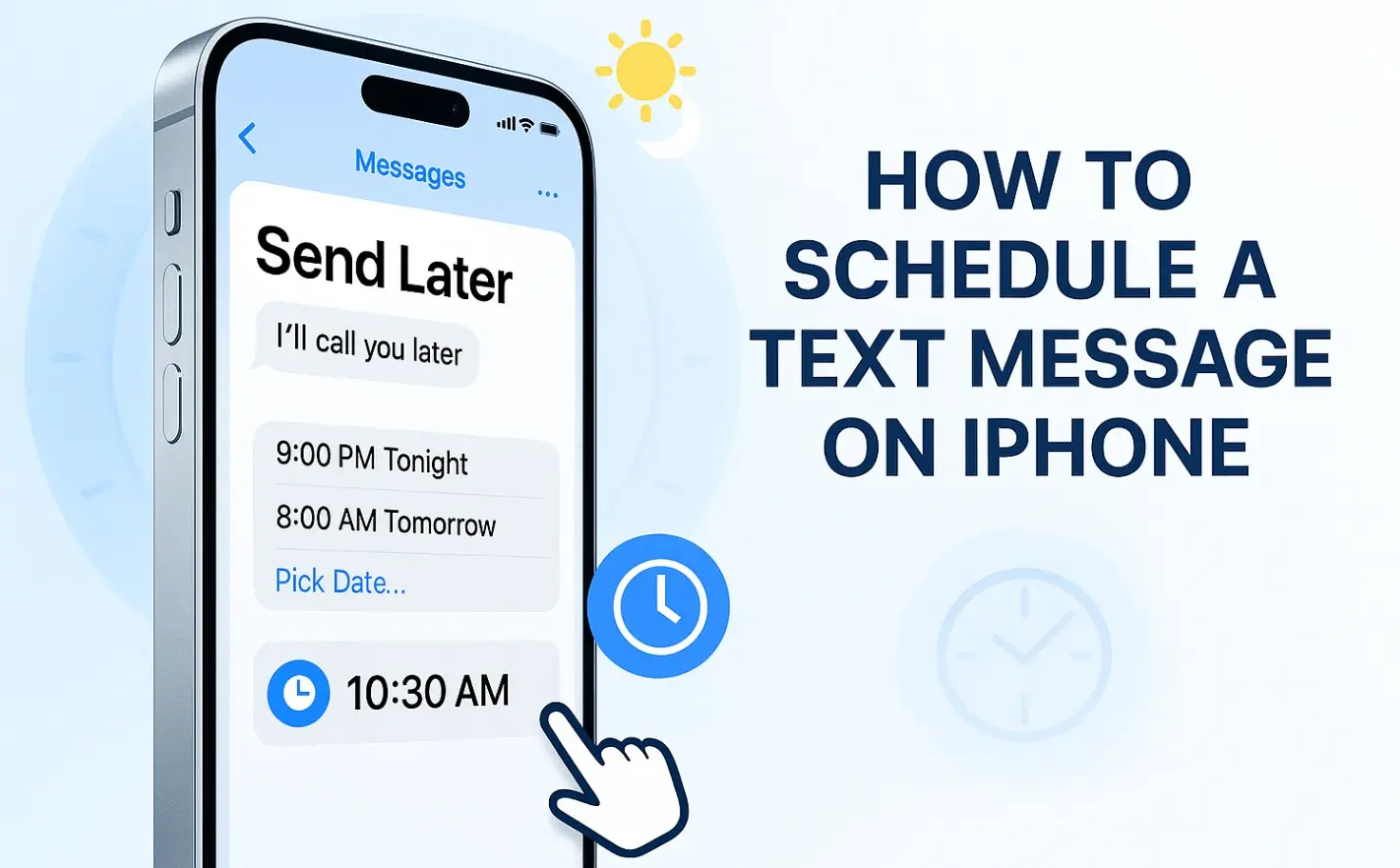
Ever found yourself lying in bed at 11:45 PM, desperately trying to stay awake just to send a “Ever found yourself lying in bed at 11:45 PM, desperately trying to stay awake just to send a “Happy Birthday!” text at midnight? Or maybe you’ve forgotten to send that important meeting reminder to your team because you were deep in another project? Well, if you’ve updated to iOS 18 or later, then you already have a feature called “Send Later” to schedule Messages.
Here’s the truth: After years of iPhone users begging for this feature while Android users enjoyed it, Apple finally delivered. But here’s the catch: it only works for iMessages (blue bubbles), not regular SMS texts (green bubbles).
This is what we’ve been waiting for. If you’re running iOS 18 or later, scheduling iMessages is now ridiculously simple.
Want to edit or cancel a scheduled message? Just tap on it in the conversation and you’ll get options to send it now, edit the time, or delete it entirely.
If you’re someone who schedules messages regularly—maybe you’re managing a team, running a small business, or just really organized—a dedicated app will save you time and frustration.
Such apps offer what Apple doesn’t: a proper interface for scheduling, the ability to see all your scheduled messages in one place, and features like templates and recurring messages. Yes, you’ll need to download something, and the best apps usually charge a few dollars per month. But for power users, it’s worth every penny.
After testing over a dozen apps, here are the three that consistently deliver:
Scheduled stands out for its clean, intuitive design. It feels like something Apple would have built—minimal, elegant, and easy to use. Perfect if you want something that works without a learning curve.
Kyew – Schedule Text Messages packs in more features, including message templates and the ability to schedule messages to multiple recipients at once. It’s ideal for small business owners or anyone who frequently sends similar messages.
AutoSender for Messages offers the best recurring message options I’ve found. Need to remind your team about weekly meetings? This app handles it beautifully.
Yes, as of iOS 18 (September 2024), iPhone includes a “Send Later” feature for iMessages. However, it doesn’t work for SMS messages to Android users, and you need to be running iOS 18 or later.
Not with the native Send Later feature—it only works for iMessages. For SMS scheduling, you’ll need to use the Shortcuts app method or download a third-party app.
Using the native iOS Send Later feature, you can schedule iMessages up to 14 days in advance. For longer scheduling windows, you’ll need to use Shortcuts or a third-party app.
Your email address will not be published.
This site uses Akismet to reduce spam. Learn how your comment data is processed.
Sign in to your account