
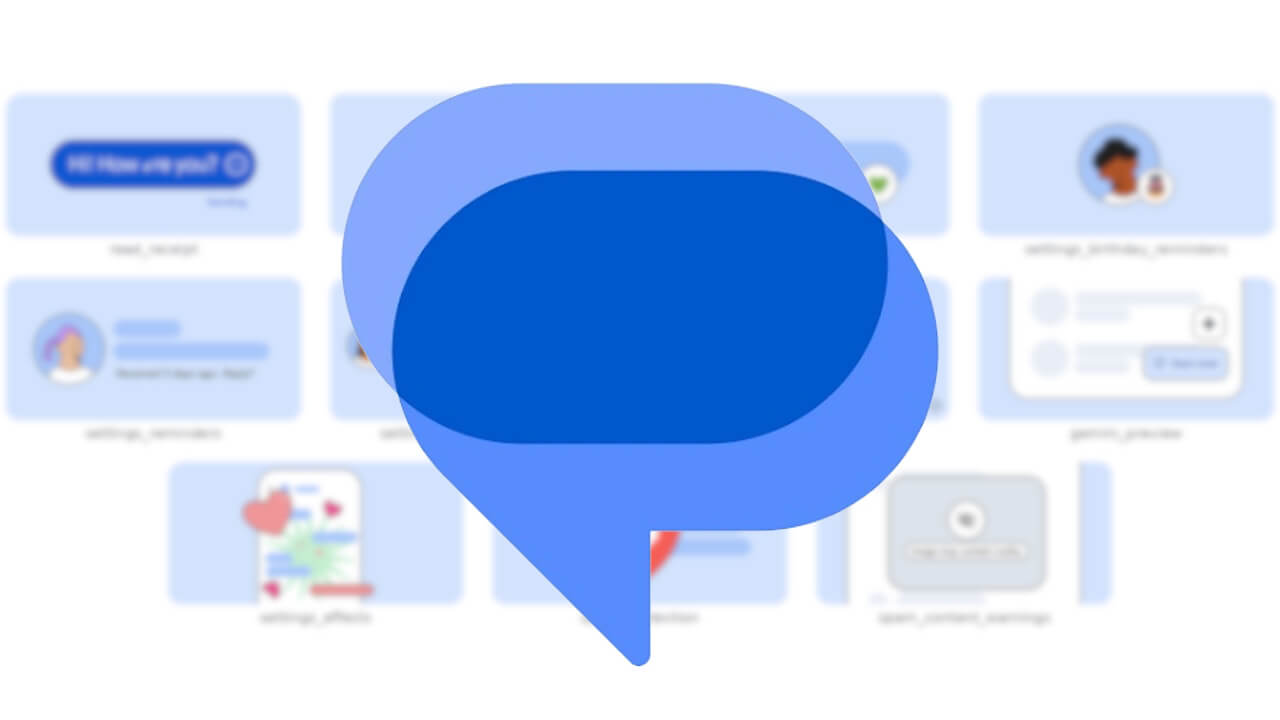

The settings screen for the “Google Messages” SMS/MMS/RCS client app on Android devices is reportedly set for a major redesign.
We bring you the details through “App Analysis,” an original app file analysis reporting content from our site, “Jetstream.”
 jetstream.blog
当サイトの「アプリ解析」カテゴリで公開している記事では、最新 Android アプリを逆コンパイルして独自に解析し、今後実装される可能性のある新機能や変更点などをお届けします。正式リリース前の新機能や変更となるため開発段階の未確定な情報も含まれますが、Android アプリの今後のアップデート動向をいち早くキャッチできる、ほかにはない当サイトオリジナルコンテンツです。
当サイトオリジナルの「アプリ解析」コンテンツを見逃さないよう、ぜひ Google の「優先ソース」に当サイト「Jetstream 」を登録してください。
An analysis of the app files from the Android “Google Messages” app v20261020 update, released on Thursday, October 22, 2026, confirmed the addition of resource code related to the heavily redesigned settings screen and multiple illustration images to be placed within it. Additionally, UI mockups of the new settings screen based on the resource code have also come to light.
However, the rollout of this majorly redesigned settings screen has not yet been confirmed.
In the heavily redesigned settings screen of the Android “Google Messages” app, while the existing settings content itself remains unchanged, previously fragmented setting items are grouped together by category, enabling users to check and modify their preferences more accurately. The main settings screen features categories such as “Messaging,” “Notifications,” “Privacy,” “Spam & Safety,” “Phone Number & Region,” and “Reaction & effects,” with a summary of the settings included in each category displayed beneath its name.
For example, “Profiles, read receipt, typing indicators” is displayed under “Privacy,” and “RCS, SMS/MMS, reliability, auto-downloads” is shown under “Messaging,” making it easier to figure out where a desired setting is located before opening a category. Within each category, individual settings are organized into sections such as “Connectivity,” “Display & gestures,” and “Smart features & AI,” with AI-related settings like “Gemini” and “Smart Reply” grouped under “Smart features & AI.”
Furthermore, settings such as “Read receipts,” “Typing indicators,” “Birthday reminders,” and “Spam protection” will feature the aforementioned illustration images within each respective setting, making it easier to understand what each setting does.
*This site uses affiliate advertising.
記事の要約をここに表示します。