
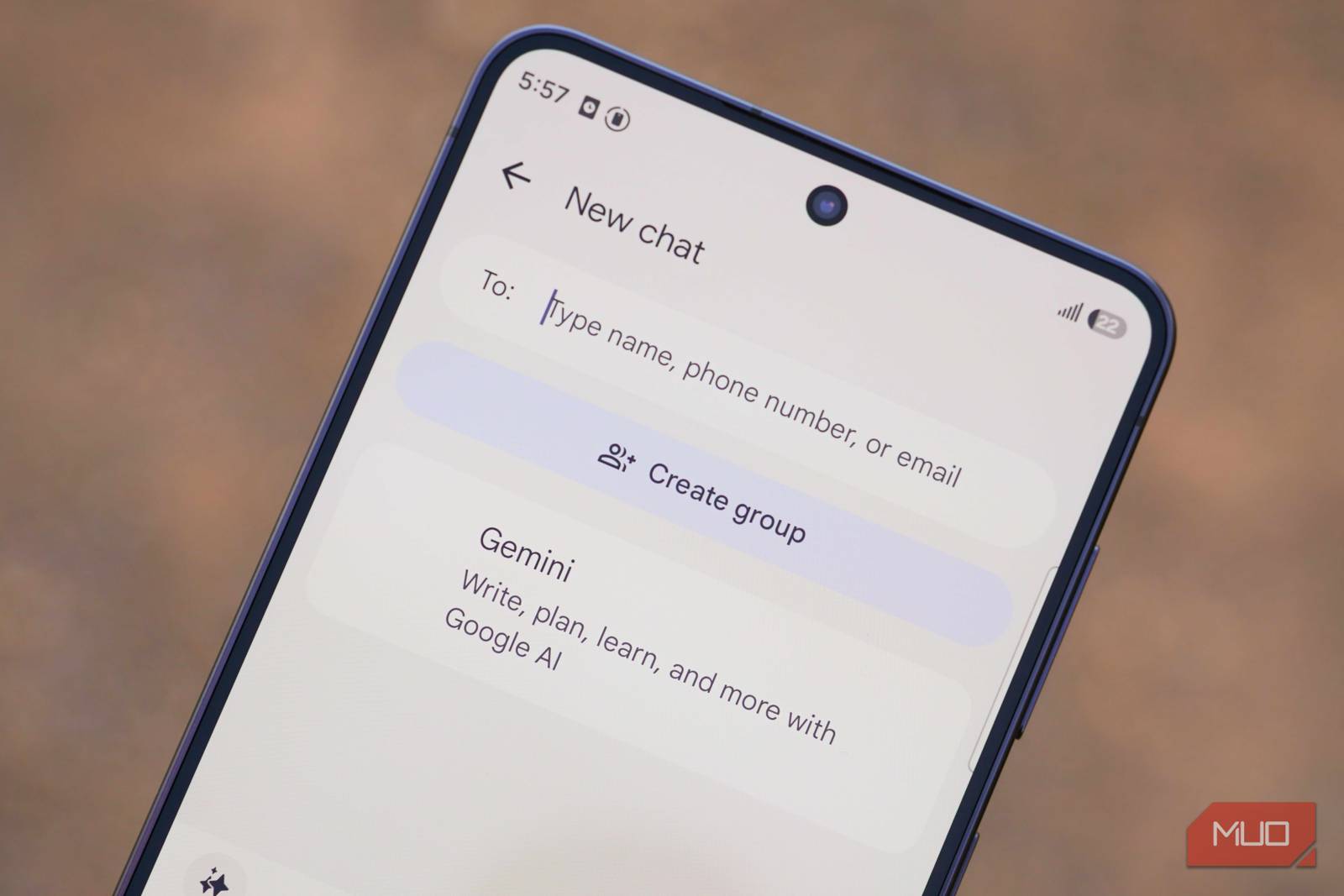

Messaging apps are crucial to the smartphone experience. Some people pick their phones based on whether they support Apple Messages, Google Messages, or formerly Samsung Messages. Now that Samsung Messages has officially shut down, there’s even more pressure for Google to upgrade the Google Messages app. It could be the premier Android messaging app fit to replace Apple or Samsung Messages, but Google needs to add these features first.
Nothing tests your backup strategy like discovering it was mostly a feeling.
Many people assume that Apple Messages and iMessage are the same thing, but that isn’t actually true. Apple Messages is the app, which supports both SMS, MMS, and RCS messaging in addition to Apple’s proprietary iMessage service. iMessage is the messaging service that exists outside of traditional texting. You can choose to use Apple Messages with or without iMessage, but you can only use iMessage on an Apple device with the Apple Messages app.
This distinction is important, but iMessage is still the offering that makes Apple Messages stand out. Specifically, you can use a free iCloud account to send and receive iMessage chats on Apple Messages without a linked phone number or active SIM. iMessage is account-based and cloud-based, making the messaging service accessible and cloud backups automatic. Google Messages requires an active SIM to work, and that’s a big miss.
Google already has the groundwork in place to make a true iMessage competitor. It has launched a slew of account-based messaging platforms in its history, most recently Google Chat, Google Hangouts, and Google+. It wouldn’t be too hard for Google to bring free messaging to Google Messages, matching iMessage functionality. Even if it was exclusive to Android, it would bring an iMessage-like experience to the platform for the first time, reducing the need for third-party apps like WhatsApp or Telegram.
To Google’s credit, it’s trying to make Messages fun — to the point that I’m not thrilled with all its features. More customization is never a bad thing, though, and Samsung Messages handled theming better. Google Messages offers light and dark modes in the app, but custom chat themes still aren’t widespread. You could add chat themes, custom backgrounds, and more in Samsung Messages. There’s a similar feature on iOS 26 in Apple Messages that lets you change the background of an iMessage conversation.
Google Messages needs to offer more customization tools, and let us disable aspects of the app we don’t like. For example, there’s no reason the Google logo should take up half the screen when you first open Messages. With Samsung Messages gone, it’s even more important for Google to nail looks and customization.
iMessage apps are one of the best things about using Apple Messages, and Google Messages doesn’t have anything like them. These are small mini-apps and games available directly inside the Apple Messages app. A popular iMessage app is GamePigeon, which lets you turn your iMessage conversations into a competitive multiplayer gaming space.
There are first-party apps like Apple Music, Apple Cash, Find My, Check In, and Send Later, some of which have Google Messages equivalents. However, there is a world of third-party iMessage apps and games available on the iMessage App Store, and that’s the real perk.
Before you discredit the usefulness of iMessage apps, I should note that two of Google’s own apps — Google Photos and Google Maps — are available on the iMessage App Store. Clearly, Google understands the potential here. Considering the size and scope of the Google Play Store, Google could build something superb in the Messaging app. It’d go a long way in making Google Messages feel as modern as Apple Messages.
Back in the Google Pay days, you could send peer-to-peer payments to friends and family using messages. Google Wallet replaced Google Pay, and there’s no sign of peer-to-peer payments ever coming back. I’m still going to ask for them anyway, because digital payments are a big part of social experiences these days. Someone picks up the tab, and the rest of the party sends their part. It’s why platforms like CashApp, Venmo, and PayPal are massive.
Apple figured this out, and Apple Cash is a core part of the iMessage experience. Everyone gets an Apple Cash Card, which functions like a virtual Visa debit card holding funds that can be transferred to or from a bank account. Someone can send cash to you via iMessage chats, and it drops into your Apple Cash account. There’s no fee for bank transfers, unless they’re instant. The entire experience is polished, and considering Google’s expertise in payments, it could make something as good or better for Google Messages.
As the default replacement for Samsung Messages, Google Messages has big shoes to fill. Samsung Messages has a fervent fanbase that isn’t thrilled about the transition. Google Messages doesn’t have the same level of categorization smarts as Samsung Messages, making matters worse for users who want to manage their message app like an email inbox. Google Messages only recently added a trash folder, but it doesn’t support creating custom categories or folders for sorting purposes.
Again, Google already knows how to sort and filter messages — these features are already in Gmail. Adding similar functionality to Google Messages might appeal to former Samsung Messages users that miss it.
Like it or not, messaging matters. iMessage is a major reason why iPhones are surging in popularity, especially among younger people. Samsung Messages going away gives Google a fantastic opportunity to improve Google Messages to deliver a better experience for all Android users. Today, the app is lackluster compared to Apple Messages and the now-defunct Samsung Messages.
We want to hear from you. Share your perspective in the comments below, and please keep the conversation respectful.
Your comment has not been saved
This space is open for discussion.
Be the first to share your thoughts.
The best of MakeUseOf, directly in your inbox.
By subscribing, you agree to receive newsletter and marketing emails, and accept our Terms of Use and Privacy Policy. You can unsubscribe anytime.