

Pankil is a Civil Engineer turned freelance writer from Ahmedabad, India. As a long-time Windows and Android user, he has extensive knowledge of both operating systems and specializes in creating how-tos and troubleshooting guides.
Pankil has been writing about Windows, Android, and iOS since 2021. He has written over 1200 articles across reputable publications like MakeUseOf, GuidingTech, and TechWiser.
Outside of his writing endeavors, Pankil is an avid football fan and loves to plan his international travels with his wife in his free time.
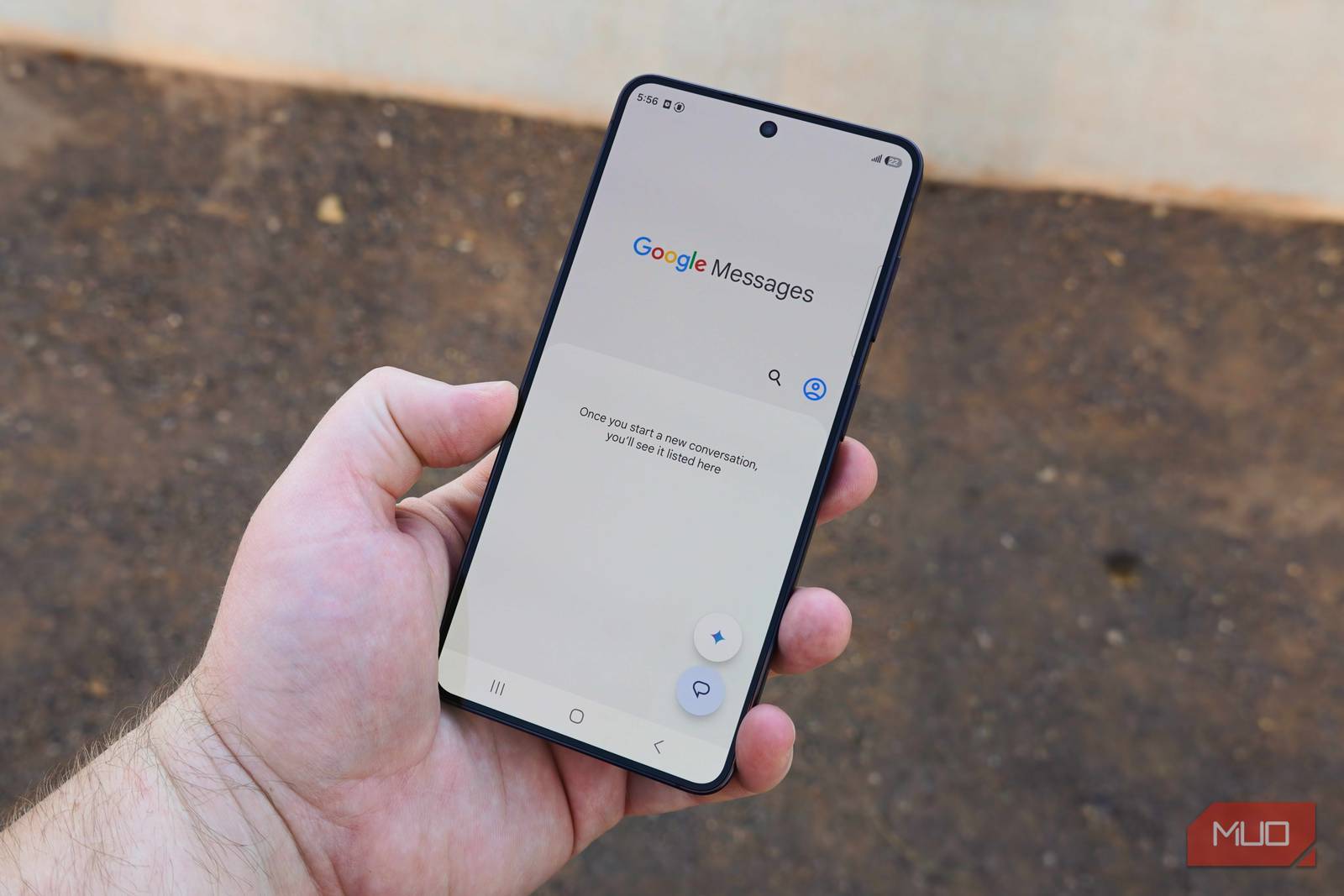
Google Messages doesn’t get nearly enough credit, but there’s a reason why it dominates. It’s gotten so good that its alternatives have struggled to even justify their existence. Samsung Messages is the obvious case in point (RIP). That doesn’t happen by accident.
And no, it’s not just because of a single killer feature like RCS. It’s everything else — the useful bits that rarely get talked about — that make Google Messages feel like a complete package.
The blue chat bubble means RCS is on, but I’m still waiting on the lock icon that’s supposed to follow it.
The search function has to be one of the most underrated features in Google Messages because it’s not just for keywords. There are filters that let you find images, videos, places, links, and unread texts with a tap. And they even work when you’re searching for messages inside a specific chat.
I use this quite a lot when I need to track down a link or dig up those Starred messages I’ve saved for later. It’s not flashy, but it’s definitely a feature I’ve missed any time I’ve tried using a different text messaging app. And that’s probably the best compliment I can give.
Google Messages supports chat bubbles, which is great for anyone who loves multitasking like me. You can enable bubbles for every conversation or only specific ones. And once you do, it shows a floating bubble any time you receive a message. It appears on top of whatever app you’re using, which means you don’t have to switch back and forth. You can simply tap the bubble, respond to the text, and continue whatever you were doing.
If you’ve ever tried to have a conversation with someone while watching a YouTube video or reading an article, you know how annoying it can get. Chat bubbles fix that. I find them especially useful when I’m referencing something from a text while using another app, like pulling up a location in Google Maps or entering a tracking number into a website.
The big catch thing about texting is that you can’t hear tone or see a reaction — it’s just words on a screen. Emojis help, of course, but only so much. And that’s why my favorite thing about Google Messages is how it livens up the chat with expressive animations.
For instance, any time I send phrases like Happy Birthday or Congratulations, Google Messages triggers a confetti, balloons, or fireworks on both my and the other person’s screens. It works for several phrases, like Hahahaha, Going to the beach, Rise and shine, Lololol, Sweet dreams, and Booo. Not everyone might like these, sure, but I do because they make texting slightly less boring.
As someone who works on a PC all day, picking up a phone every time a text comes in is a productivity killer. More often than not, I’d end up wasting time on some other app.
Google Messages’ device pairing solves this cleanly. It brings all my chats on my laptop so I can read and reply to texts without touching the phone at all. I’ve even installed Google Messages as a web app so it feels closer to a native experience. It’s perfect for anyone who doesn’t already use Phone Link or something similar.
I don’t know about you, but “where are you?” used to be one of my most sent or received messages any time I was meeting friends or coming home late from work. Then comes the reply, then the follow-up, and it’s a whole thread that could’ve been easily avoided.
Google Messages has built-in location sharing that saves me from all of that now. I can simply send my live or one-time location to the other person, and they can see exactly where I’m at.
The live location option is especially handy when someone’s waiting for you and you want to keep them updated about your whereabouts. I know, location sharing doesn’t exactly sound revolutionary, but it saves me and the other person from switching to Google Maps or WhatsApp just for sharing the location.
This one is a no-brainer. RCS (Rich Communication Services) is probably the biggest reason most people don’t even consider ditching Google Messages. It’s what brings typing indicators, read receipts, high-quality media sharing, and flexible group chats into an otherwise barebones SMS experience. It makes Google Messages feel like WhatsApp or Telegram.
If the person I’m texting has RCS, the experience is just better, automatically. And now that it works on iPhones too, there’s even less reason to look elsewhere.
We want to hear from you. Share your perspective in the comments below, and please keep the conversation respectful.
Your comment has not been saved
That’s all great.. now just bring back CATEGORIES to clean up the inbox and things could be so much better!
The best of MakeUseOf, directly in your inbox.
By subscribing, you agree to receive newsletter and marketing emails, and accept our Terms of Use and Privacy Policy. You can unsubscribe anytime.