
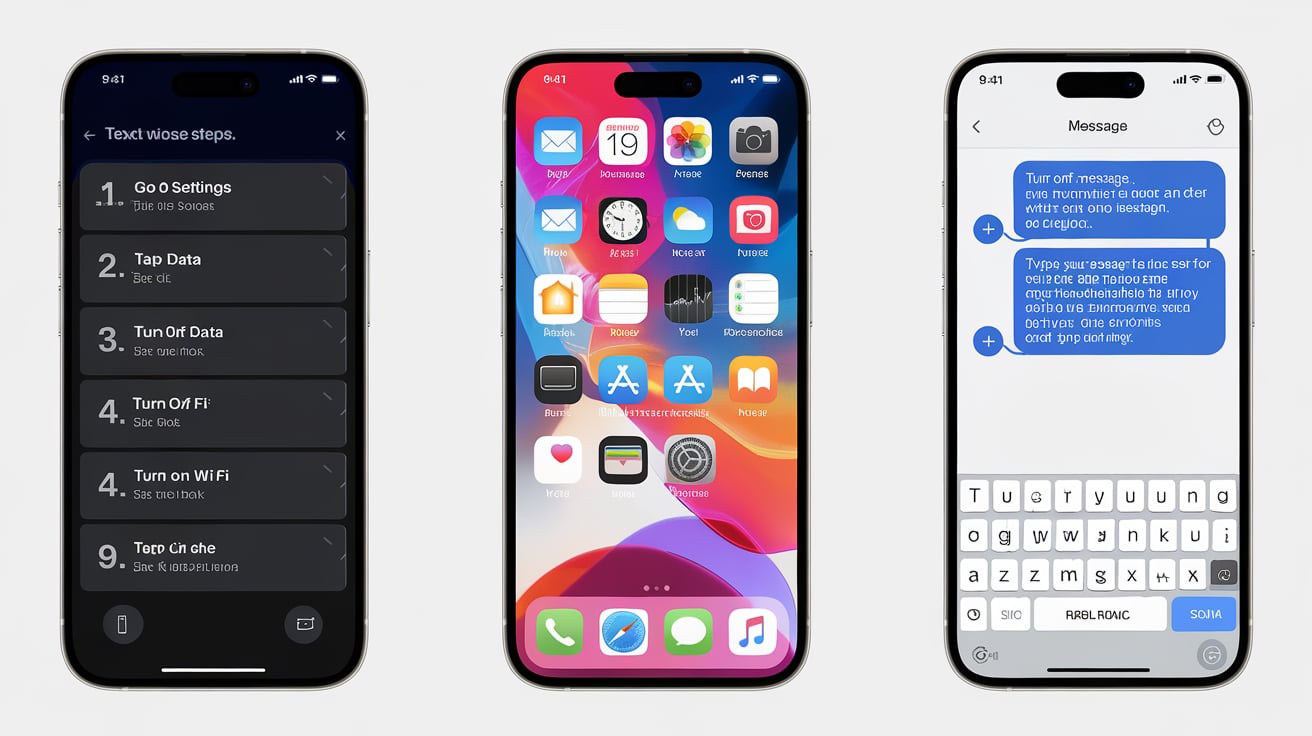

Ever found yourself stuck without data but desperately needing to send a message? Maybe you’re in a rural spot with no bars, your mobile data is out, or you just forgot to pay the bill (hey, it happens). If you're wondering how to text without data on iPhone, you're not alone—and yes, it's possible.
In this guide, I'll walk you through several ways to stay connected when you're offline, no Wi-Fi or cellular data required.
Yes, you
can text without data on iPhone using traditional SMS/MMS messaging. As long as your phone has cellular signal (even without an internet plan), you can send regular text messages (green bubbles). iMessage, on the other hand, requires Wi-Fi or data to work.
If you’re looking to text over Wi-Fi or with no internet at all, you’ll need to switch tactics—like using SMS or certain offline messaging apps.
Here’s a quick cheat sheet for texting on iPhone with or without data:
When data is off, SMS still works.
If you're not connected to Wi-Fi and don’t have cellular data, your iPhone can still send SMS text messages—as long as you have signal for calls and texts.
🔹 How to make sure SMS is enabled:
Go to Settings > Messages
Toggle Send as SMS ON
🔸 If your message shows up in a green bubble, it was sent as SMS and doesn’t use data.
📝 Pro Tip: This only works with non-iPhone users or when iMessage fails. If you’re texting another iPhone, your device will try to use iMessage by default.
In low-signal or no-data areas, iMessage can hang or fail. If you want to be 100% sure your texts go through without using data:
Temporarily disable iMessage
📱 Steps:
Go to Settings
Tap Messages
Toggle iMessage OFF
Your iPhone will now default to SMS for all messages. You'll see green bubbles for everything, and messages will go through as long as you have any cellular signal.
👉 This is handy if you’re out of data or traveling in areas with poor internet.
Let’s say you don’t have a cellular data plan, but you're connected to Wi-Fi. Good news—you can still use iMessage!
✅ Works great for:
iPads with Wi-Fi only
iPhones with no active plan
iPod Touch (yes, some still use these)
💬 On X/Twitter, I’ve seen users say: “I’ve been using my old iPhone over Wi-Fi for iMessage and FaceTime—it works perfectly without any SIM!”
Just connect to a Wi-Fi network, and iMessage will function as normal.
If you’re truly off the grid—no Wi-Fi, no data, no signal—there’s still hope.
Here’s the trick: Use mesh or Bluetooth-based messaging apps.
These apps connect phones directly without needing the internet. It’s like walkie-talkies but smarter.
🔍 Some of the best offline texting apps:
🗣 On Reddit, many emergency preppers recommend Bridgefy: “Great for power outages or disasters when cell networks go down.”
Note: These apps only work if the person you’re texting has the same app installed and is nearby.
Another workaround I’ve used: If you're on Wi-Fi and not using a phone number, set up iMessage with an email address.
🛠 Here’s how:
Go to Settings > Messages > Send & Receive
Tap “Add Another Email…”
Use your Apple ID or any verified email
Enable iMessage for that email
Now you can send and receive iMessages from Wi-Fi, even without an active phone number.
These apps give you a free phone number that works over Wi-Fi.
📱 With Google Voice or TextNow, you can:
Send texts over Wi-Fi
Make and receive calls
Avoid using your real number
🎯 Great for travel, burner numbers, or if your phone service is disconnected.
🧵 Threads on Reddit often say: “I use TextNow on my old iPhone for free texting when I don't have a plan. Super reliable on Wi-Fi.”
Can you text on iPhone without service or Wi-Fi?
You can text via SMS as long as you have a cellular signal, even if your data is off. But for iMessage or internet-based apps, you’ll need Wi-Fi or data.
Will turning off iMessage force SMS?
Yes. If you disable iMessage, your iPhone will send texts as SMS (green bubbles), which don’t require data.
Can you use iMessage on Wi-Fi without cellular?
Absolutely. iMessage works fine on Wi-Fi alone. You can even use an email address as your sender ID instead of a phone number.
What if I have no signal and no Wi-Fi?
Try offline messaging apps like Bridgefy. They use Bluetooth to connect devices nearby—perfect for hiking, camping, or emergency use.
Do free texting apps really work without data?
They work with Wi-Fi but not in total offline mode. Apps like TextNow or Google Voice rely on the internet, but not mobile data. So if you're near Wi-Fi, they’ll work fine—even without a data plan.
If you ever find yourself wondering how to text without data on iPhone, remember this—SMS is your fallback as long as there’s signal. And with Wi-Fi, you can still use iMessage, Google Voice, or TextNow like a pro. For the truly offline crowd, offline mesh messaging apps are a hidden gem.
💡 I’ve personally used these methods during travel, road trips, and even in power outages—and they work. Knowing these tricks can save you when your data dries up or coverage disappears.
smarttechtune Provides you technology, science, finance, home, gadget, reviews, and much more information.
Very well written. Keep up the good work!
Creative use of language & vocab
Well-structured & engaging content
Original narrative & well developed characters
Arguments were carefully researched and presented
Niche topic & fresh perspectives
The story invoked strong personal emotions
Zero grammar & spelling mistakes
Writing reflected the title & theme
There are no comments for this story
Be the first to respond and start the conversation.
More stories from Kazi Arsadul Alam and writers in 01 and other communities.
Are you struggling to grow your Instagram following? You're not alone. Many people find it hard to attract new followers, even with great content. The good news is that growing your Instagram account doesn't have to be complicated. With the right strategies, consistency, and patience, you can build a strong following that engages with your content.
By
8 months ago in
01
Have you ever donated money to Wikipedia? I have, but never again. I have made the decision that Wikipedia no longer deserves my financial support. It was never a huge amount but, as a frequent user of the Wiki database, I felt I ought to make a contribution. I would even be happy to make a modest regular contribution… if I thought that the funding model stood up. I don't. No charity that I know of restricts its fundraising activities to just holding out a donations tin. Maybe they have a plan that I am not aware of but who cares? You have to do better than this if you want any more of my money.
By Raymond G. Taylor26 days ago in 01
Introduction Dating applications have transformed how people connect and build relationships in the digital age. What started as simple profile-based platforms has evolved into sophisticated systems powered by advanced technology. Modern dating apps now focus on user experience, security, personalization, and scalability to meet growing user expectations.
By Nayel Basim Al Shehhiabout 10 hours ago in 01
“I think about you all the time.” “I don’t think about you.” “I saw the website you made. The writing one. I think you made it so you could read everything I was posting. I knew it was you because of the name.”
By Cali Loriaabout 15 hours ago in Fiction
© 2025
Creatd, Inc. All Rights Reserved.