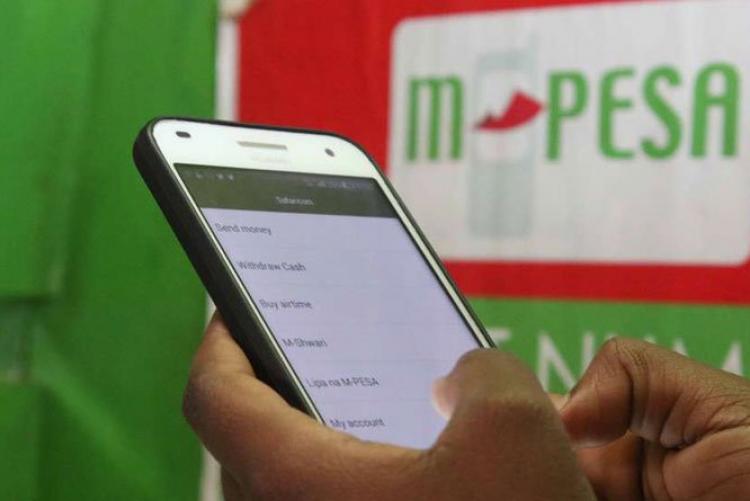
Sending money through M-PESA and failing to receive a confirmation message can leave you wondering whether the transaction was successful. With customers recently reporting delays in receiving M-PESA SMS alerts, knowing how to verify a payment without relying on a text notification can help prevent confusion and accidental double payments.
Safaricom acknowledged the SMS delays on Tuesday, November 10, 2026, saying the issue was being addressed and apologising for the inconvenience.
However, a missing confirmation message does not automatically mean that a transaction has failed. The payment may have gone through even if the SMS notification has not arrived.
One way to confirm a payment is through the M-PESA app, which allows customers to view their recent transactions.
Open the app and check the transaction history for the payment in question. Confirm the amount, recipient’s details and transaction status before taking any further action.
Customers can also use the M-PESA section of the MySafaricom app to access their transaction information. Safaricom’s M-PESA statement service provides a record of money sent and received, as well as other payments made through the account.
This can be useful when an SMS alert is delayed or has not appeared on the phone.
Another option is to request an account statement to review transactions made during a particular period.
Customers can access the statement feature through the M-PESA app or by dialling *334# and selecting My Account, followed by M-PESA Statement.
The statement can help establish whether the payment was recorded and provide details that can be used when following up on a disputed transaction. Safaricom’s statement service allows customers to view payments made, money received, and other account activity.
Customers should remember that requesting a statement through USSD may involve receiving an SMS password to open the emailed document. If SMS notifications are delayed, the password message may also take time to arrive.
If you have made a payment but have not received a confirmation message, avoid immediately repeating the transaction.
First, check your M-PESA transaction history to establish whether the money was deducted and whether the payment was completed. Confirm the recipient’s number or business details and the amount involved.
You can also check your account balance, but remember that a balance change alone may not establish whether a particular payment reached the intended recipient.
If the transaction does not appear in your records or its status remains unclear, contact Safaricom through its official customer care channels before making another payment.
A delayed confirmation message should not make you share your M-PESA PIN or other security details with someone claiming to help resolve the issue. Safaricom’s M-PESA statement service requires customers to authenticate access using their PIN, which should remain confidential.
Customers should also be cautious of anyone asking them to disclose an OTP, PIN, or other account information to trace a transaction.
The important thing is to verify the payment through official M-PESA channels before attempting it again. This can help prevent duplicate payments and reduce the risk of losing money while waiting for a confirmation message.
K.M.
Before you go… how about joining our vibrant Telegram and WhatsApp channels for hotter stories?
Stay informed on the latest news by subscribing to the best categories of your interest.
3rd Floor, DSM Place
Kijabe street, Nairobi.
P.O Box 103618 – 00100
Nairobi, Kenya
Safaricom: +254 709 824 000
Airtel: +254 730 144 000
Email: [email protected]

M-Pesa SMS delays: What to do when you send money but receive no confirmation message – K24 Digital