|
Tech, Apple, How To
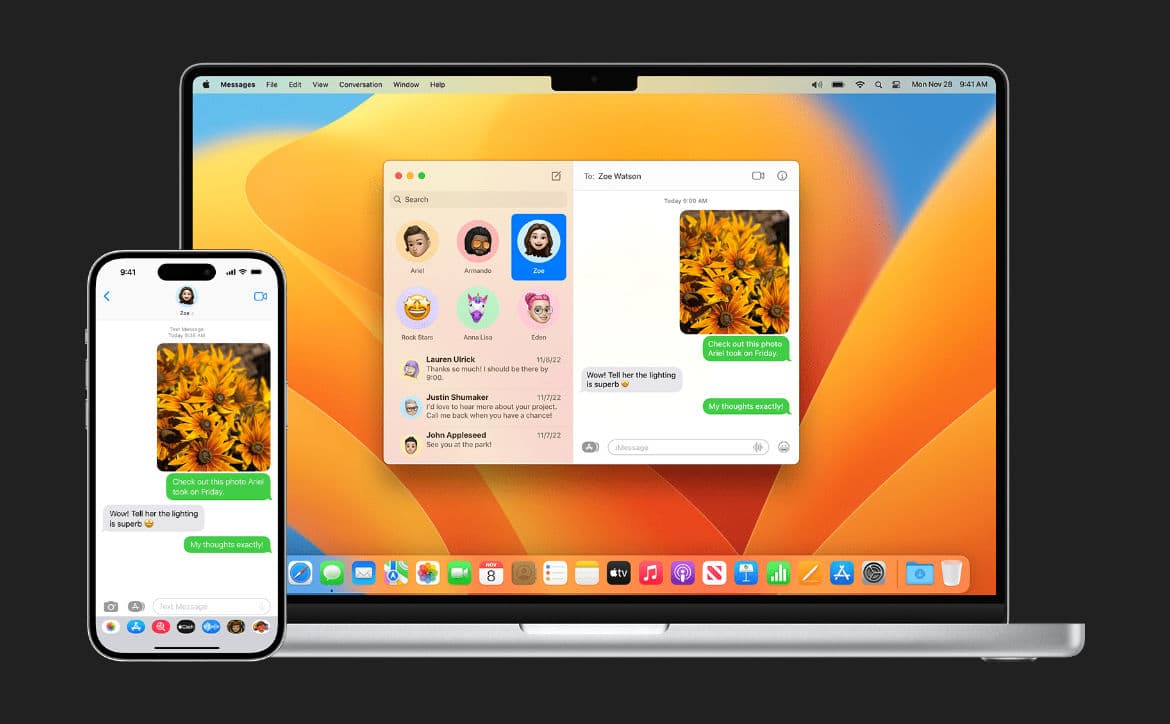
iMessage. It’s one of the features that iOS and Mac users absolutely love and refuse to give up. The continuity between devices is seamless. When you receive an iMessage on your iPhone, it immediately appears on your Mac and iPad. But that’s not the case when someone sends you an SMS or MMS message from an Android phone; those text messages stay on your iPhone.
Estimated reading time: 2 minutes
Most Mac and iPad users aren’t thrilled when they stop what they are doing to pick up their iPhones to check text messages. But it doesn’t have to be that way; you can get text messages (green bubbles) sent from your iPhone to your Mac or iPad, and according to Apple, this is how you do it.
If you only want to forward certain text messages, you can do that manually by doing the following:
That’s all there is to forward texts from your iPhone to your Mac or iPad. What do you think of these steps? Please share your thoughts on any of the social media pages listed below. You can also comment on our MeWe page by joining the MeWe social network. Be sure to subscribe to our RUMBLE channel as well!
Support Techaeris by checking out the merch shop
August 5, 2026
August 5, 2026
August 5, 2026
August 4, 2026
August 4, 2026
August 4, 2026
August 3, 2026
July 31, 2026
July 29, 2026
July 27, 2026
Techaeris was founded in 2013 by Alex Hernandez, who is the Editor-In-Chief and Owner. Techaeris is an established and trusted source for technology news, reviews, and all things geek/nerd entertainment-related. We cover movies, comics, books, gaming, tech, and industry news all in one clean place.
Amazon Android Apple Audio audio hardware Business CES entertainment Games gaming Google hardware reviews Headphones IOS iphone Lenovo Marvel Microsoft Mobile movies Movies & TV Netflix Netflix Canada Playstation 4 Privacy Review Reviews Samsung Security Smartphone tech technology TV Windows 10 Xbox One

How to receive SMS/MMS text messages from iPhone to Mac or iPad – techaeris.com