

H2S Media
Technology News, Gadgets, How to, Reviews …
H2S Media
Technology News, Gadgets, How to, Reviews …
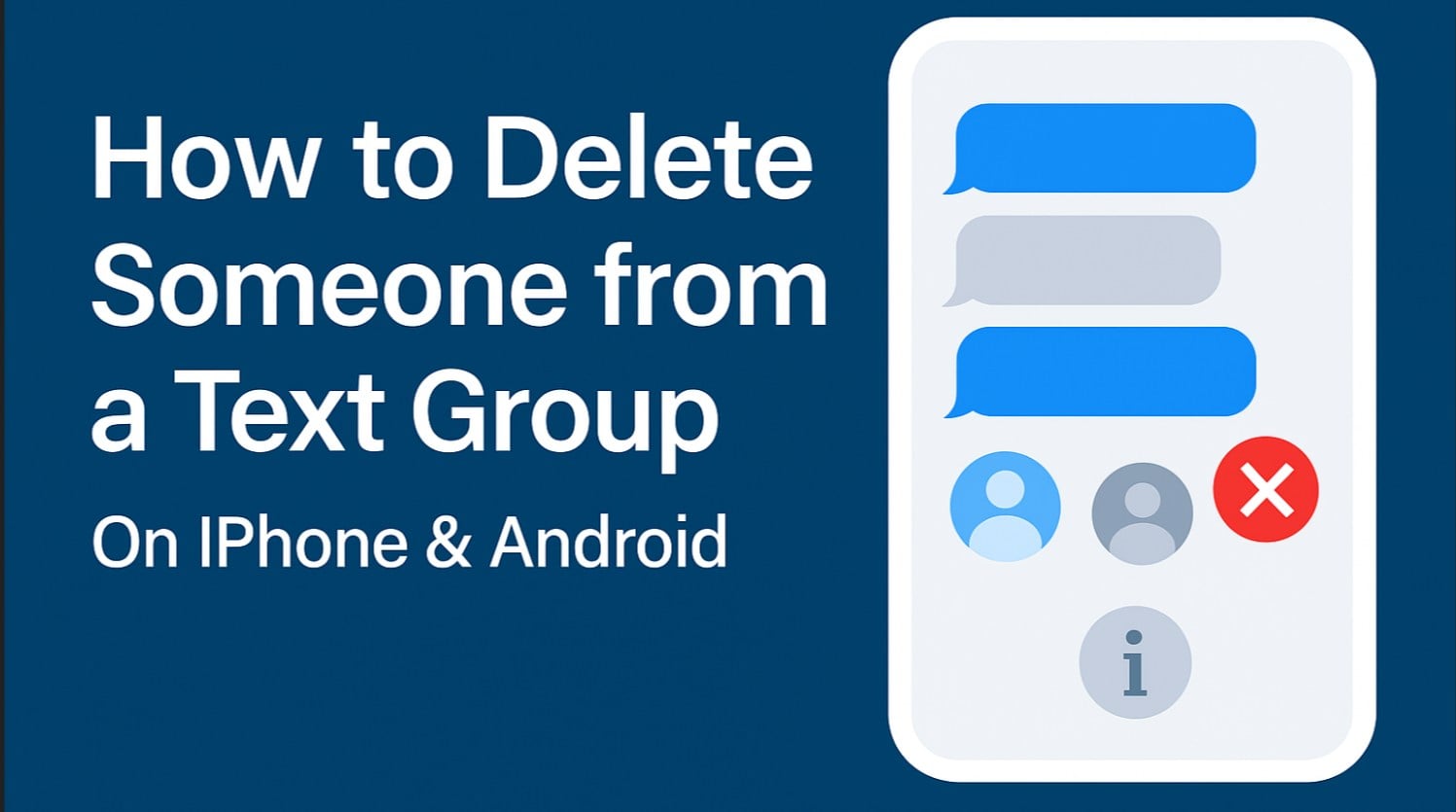
Need to remove someone from a group chat created on an Android or iPhone smartphone? Whether it’s an ex who shouldn’t be in the friend group anymore, a colleague who left the company, or simply cleaning up an overcrowded conversation, knowing how to delete someone from a text group is quite essential in today’s digital world.
Here’s the thing: the process varies significantly depending on your phone type and the messaging app you use. This guide covers everything you need to know, from iMessage to WhatsApp, and even those tricky SMS group texts.
First, let’s understand what the most common ways are to create a Group for sending Text messages are:
Follow these steps to remove someone from an iMessage group:
Important Requirements:
Unfortunately, you cannot directly remove someone from an SMS group text. Your options are:
Android’s approach depends on the messaging app, but unfortunately, the common SMS/MMS-created group chats don’t allow you to delete individual users from them. For example, Google Messages or Samsung Messages:
Samsung’s default messaging app has similar limitations:
WhatsApp makes it easy if you’re an admin:
This usually means:
Some older Android phones struggle with modified groups. Creating a fresh group often works better.
Sometimes removing someone isn’t the best option:
In iMessage, yes – they’ll see a notification. In WhatsApp, they’ll notice the group has disappeared. SMS groups don’t notify anyone.
No, you’ll need to block them or delete the conversation entirely.
You’re likely in an SMS/MMS group (green bubbles) rather than iMessage. Check the message color.
Yes, they keep the chat history from before the removal in most apps.
Blue bubbles mean iMessage; green bubbles mean SMS/MMS.
Most platforms require removing members individually for security reasons.
Learning how to delete someone from a text group depends entirely on your platform and message type. While iMessage and third-party apps offer straightforward removal options, traditional SMS groups remain stubbornly unchangeable.
Remember, removing someone from a group can affect social dynamics. Consider whether a direct conversation might resolve issues before taking action. Sometimes, the technical ability to remove someone doesn’t mean it’s the best solution.
Whatever your reason for needing to modify your group, these instructions should help you manage your digital conversations more effectively.
Your email address will not be published.
This site uses Akismet to reduce spam. Learn how your comment data is processed.
Sign in to your account